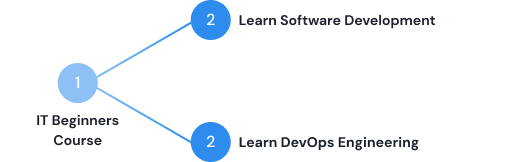
The Ultimate Course for IT Fundamentals

A mini-bootcamp for learning the complete Software Development Life Cycle by taking up all key roles in practice one by one!

Enroll Now

Or download syllabus

Inside an IT project β€” From 0 to Junior Engineer

Why we created this course

We get a lot of requests from viewers with zero or little IT pre-knowledge, who want to start a career in DevOps. But since DevOps Engineering is not an entry-level IT profession, we decided to create a course that will prepare non-IT people for transitioning into DevOps.

However, the course turned out to be a great resource for IT beginners in general. By simulating actual real world engineering tasks and going through the complete software development project, it completely dissolves the fear and insecurity of being an IT newbie. No matter if your end goal is to become a software developer, DevOps engineer, cloud engineer etc.

Mini-Bootcamp from Zero to Junior Engineer

The course is for complete IT beginners and our goal with it is to give you an equivalent of a junior engineer's work experience and know how the whole Software Development Lifecycle (SDLC) works.

This course will give you an important foundational knowledge of software engineering without any knowledge gaps, that sometimes even junior engineers lack. So skills you gain here, will definitely help you stand out!

"I already had programming courses at university. But what was missing was the whole process of SDLC"

Work through a complete Software Project

Taking up all key roles one by one and going through the whole software development workflow in practice!

7732651_5278 1.png

1)  Plan

  • Create Jira Board and first Sprint

Role: Product Owner (and whole team)

Frame 63.png

2)  Develop

  • Learn Programming & Web Development Basics - HTML, CSS, JavaScript
  • Develop app with VueJS and NodeJS
  • Connect database

Role: Software Engineer

Frame 321.png

3)  Test

  • Understand why testing is important
  • Different types of tests
  • Write unit and integration tests in JavaScript

Role: Software Engineer / Tester

Frame 312.png

4)  Release / Deploy

  • Know how to package and run an application
  • Create virtual server on cloud
  • Configure Linux server
  • Run application package on VM

Role: System Administrator

Leverage AI to Learn and Work More Efficiently

AI is a tool to amplify your existing skills.
That's why you need to learn fundamentals first β€” and use AI second.

AI study companion.png

Before you start

  • How to create your own AI study companion
  • Create personalized learning schedule, daily check-ins, and practice exercises tailored to you
  • Instead of struggling to stay on track solo for 3-4 months, you have AI in your corner from the first chapter.

Role: IT Fundamentals Learner :)

AI code editor superpower by Techworld with nana.png

Use AI Tools for Engineers

  • Once you've built the complete app and deployed it to the cloud, you'll learn how professional developers actually use AI today
  • Writing new features faster with an AI code editor (Cursor), debugging errors in minutes instead of hours
  • Generating automation scripts, and understanding unfamiliar code instantly.

Role: Various Engineering Roles

Enroll Now

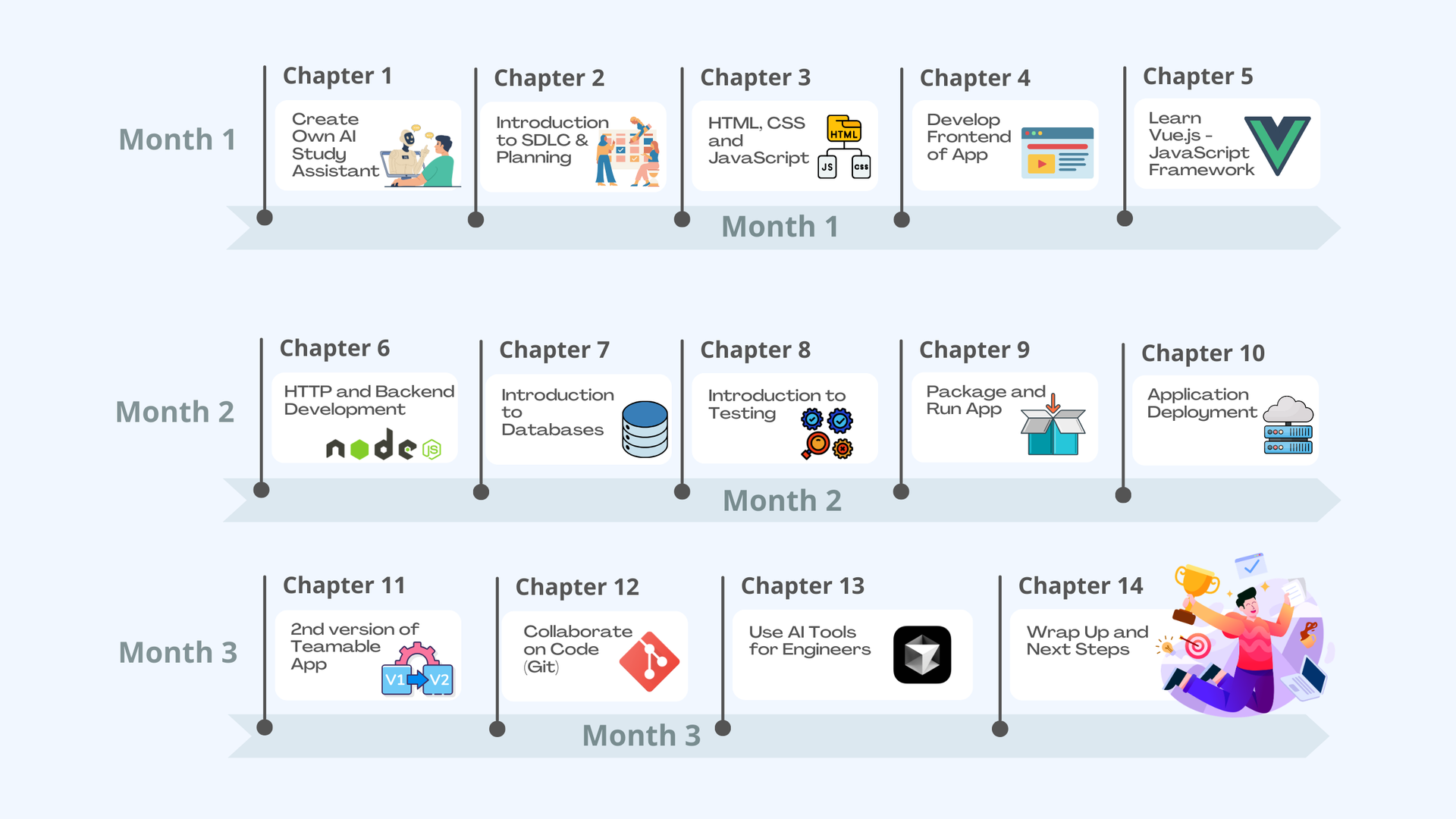
IT Fundamentals Learning Schedule

Recommended schedule to give you an idea of the scope of the course.
However, it's completely self-paced :)
Download Course Syllabus

TWN Schedule IT Fundamental.png

What Our Students Say πŸ™Œ

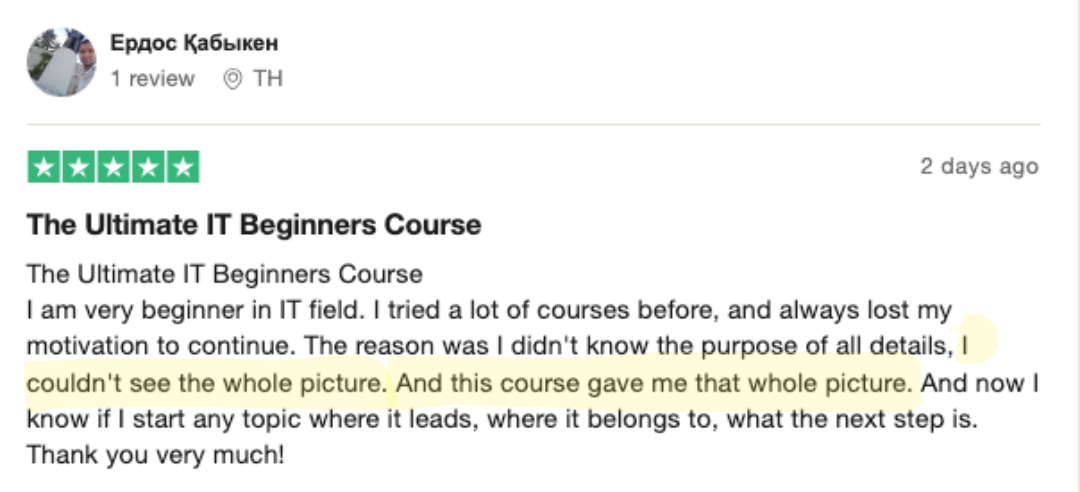
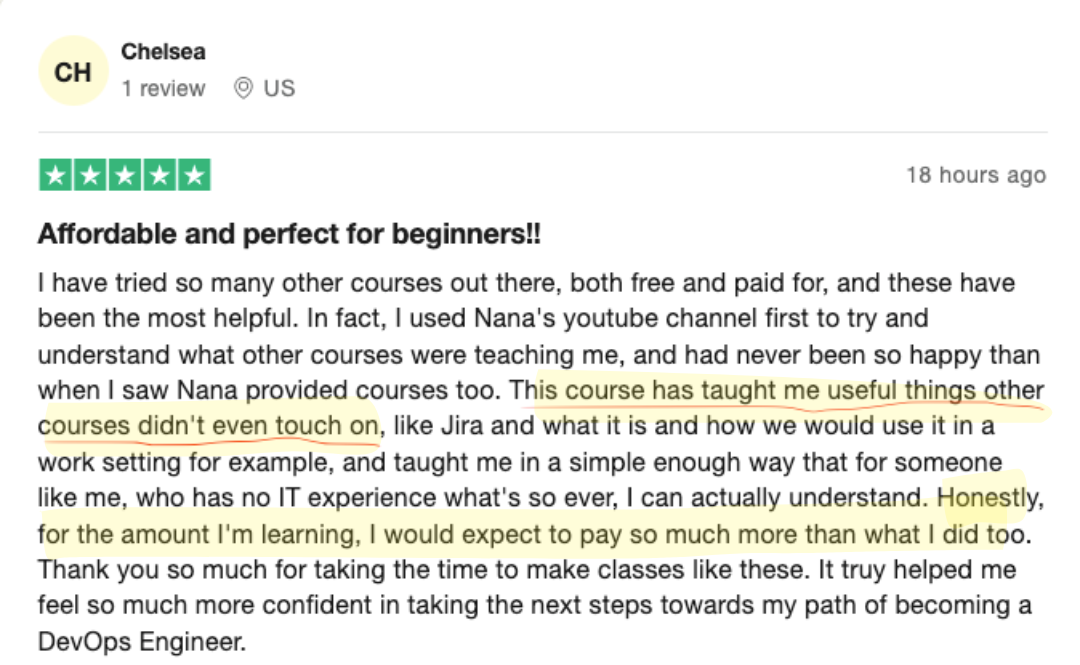
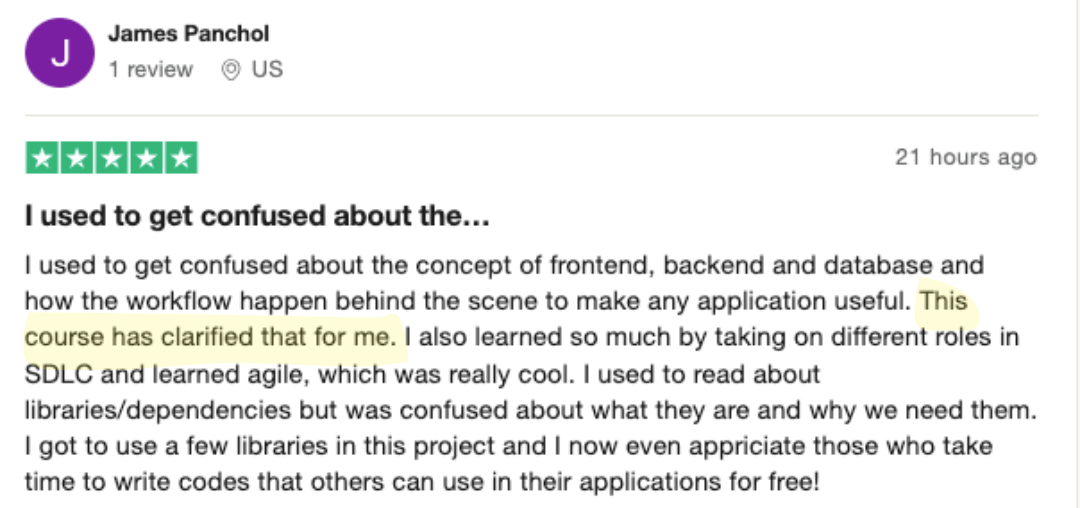
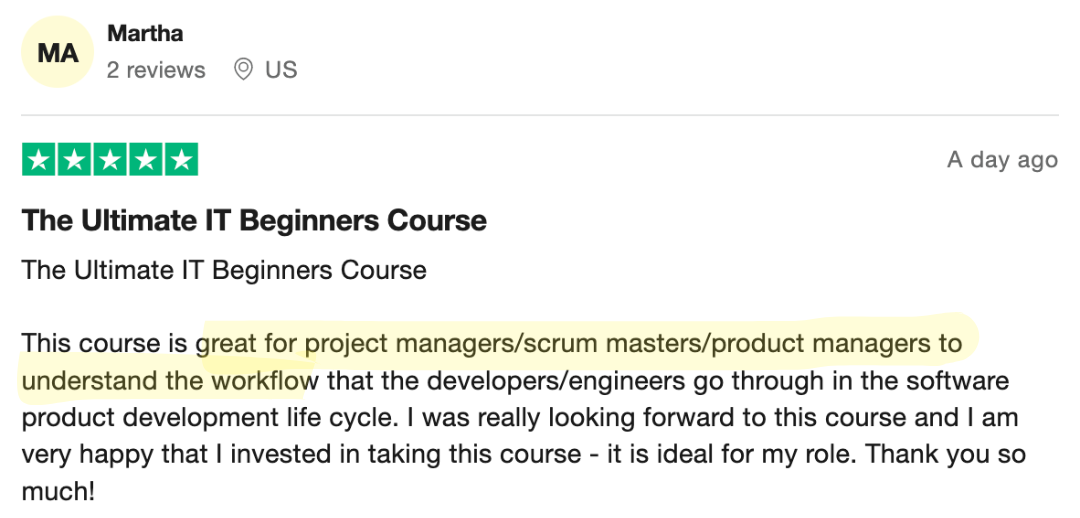
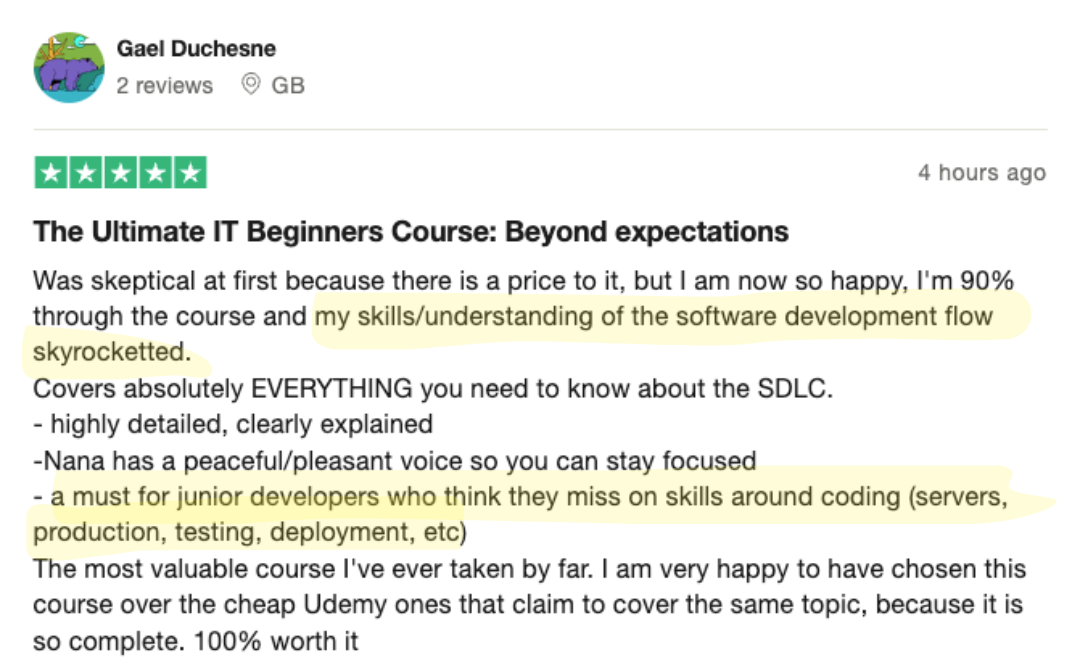
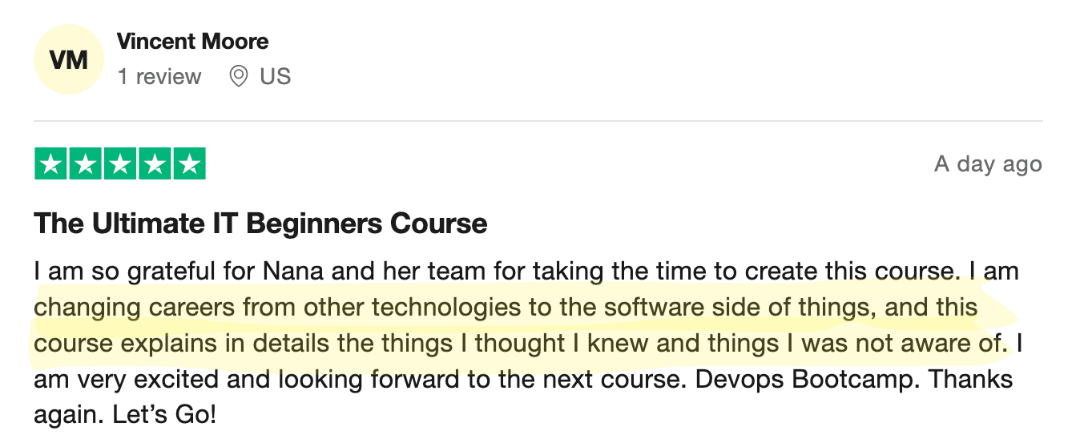
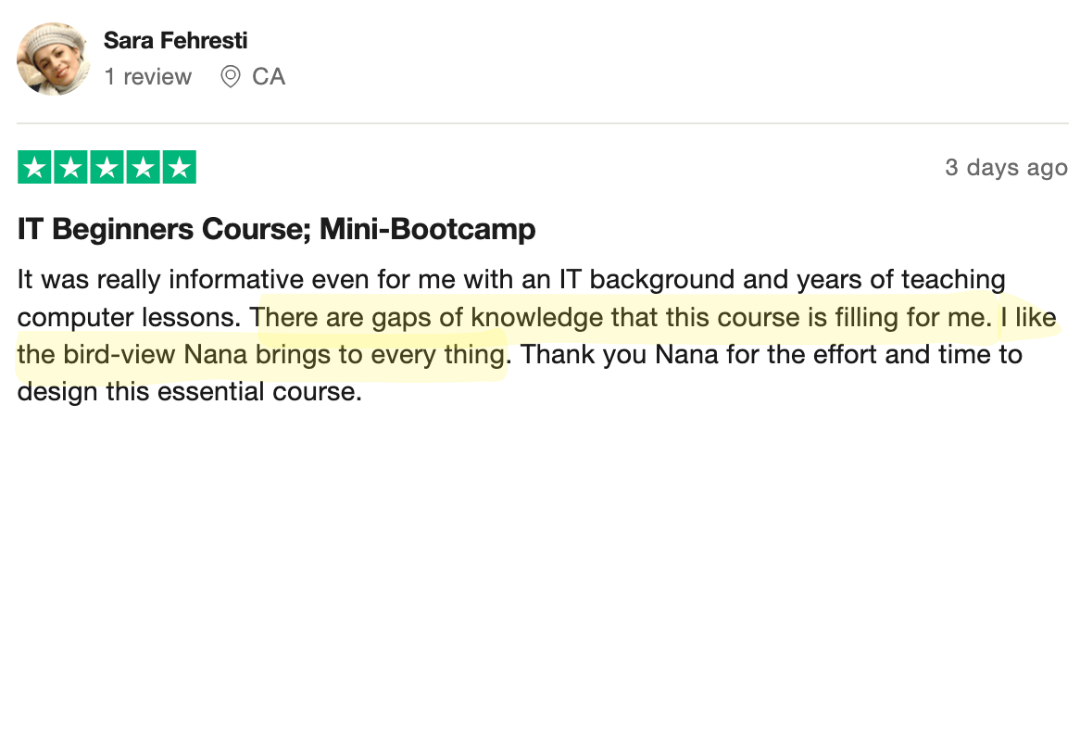
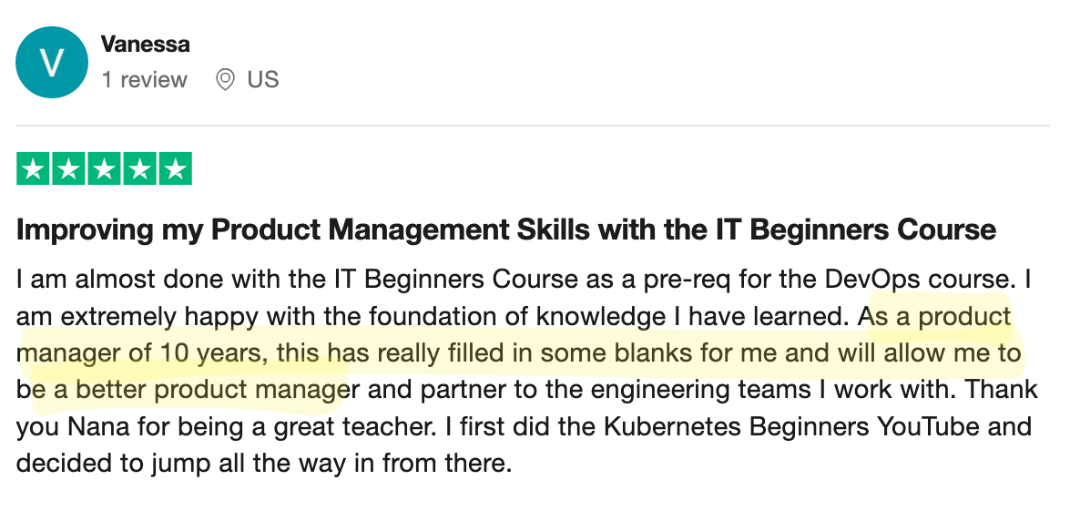
"FINALLY seeing the big picture."   "Knowledge gaps filled."
IT Fundamentals Course Review TechWorld with Nana 4.pngIT Fundamentals Course Review TechWorld with Nana 5.pngIT Fundamentals Course Review TechWorld with Nana 1.pngIT Fundamentals Course Review TechWorld with Nana 3.png

I made this course for the person I once was β€” confused, overwhelmed, and trying to find my way in the tech world

β€” and for all the different people I've met along my journey who needed that same clarity.
Product Manager
IT Fundamentals Course Review 4.png
Scrum Master /
Project Manager
IT Fundamentals Course Review 2.png
Software Developer
IT Fundamentals Course Review 3.png
Operations Side
IT Fundamentals Course Review 1.png

Course Curriculum

Work through the entire workflow from code to deployment
to connect ALL the dots

uiw_date.pngMonth 1

Chapter 1:Create Own AI Study Assistant
  • 1 - Create Custom Study Plan with AI
  • 2 - Create Individualized Exercises with AI
  • 3 - How to keep Momentum to Learn
Chapter 2:Introduction to SDLC and Planning
  • 1 - Overview of the complete software development workflow
  • 2 - Understand roles in a software project, their tasks and responsibilities
  • 3 - What is Agile and Scrum
  • 4 - Create project backlog and scrum board in Jira
Chapter 3:HTML, CSS and JavaScript
  • 1 - How websites work
  • 2 - JavaScript Crash Course
  • 2.1 - Variables and Data Types
  • 2.2 - Conditionals and Comparators
  • 2.3 - Objects, Arrays, Loops
  • 2.4 - Functions
  • 3 - HTML and CSS
  • 4 - HTML DOM Manipulation
Chapter 4:Develop Frontend of Teamable app
  • 1 - Develop frontend with HTML, CSS and JS
  • 2 - What are JS frameworks?
  • 3 - Learn about open source and libraries
  • 4 - What are package repositories?
  • 5 - Software Versioning and Release explained
  • 6 - Use Library in our app
  • 7 - OS and CLI basics
  • 8 - Install npm CLI on MacOS and Windows
  • 9 - Install npm packages (package.json)
Chapter 5:Learn Vue.js - JavaScript Framework
  • 1 - Vue.js Crash Course
  • 2 - Use Vue.js in our Teamable app replacing vanilla JavaScript
  • 3 - Understand why JS frameworks are useful

uiw_date.pngMonth 2

Chapter 6:HTTP and Backend Development
  • 1 - Understand on high-level how data exchange between frontend and backend works
  • 2 - Implement backend (web server) with Node.js
  • 3 - Introduction to HTTP, URL and IP Addresses
  • 4 - Serving index.html from backend
  • 5 - Introduction to JSON
  • 6 - Implement data exchange - sending HTTP requests and responses
  • 7 - Develop backend of Teamable app with NodeJS
Chapter 7:Introduction to Databases
  • 1 - What is a database?
  • 2 - Different database types
  • 3 - SQL vs NoSQL databases
  • 4 - Install MongoDB on MacOS and Windows
  • 5 - How to configure database connection
  • 6 - Connect Teamable app to MongoDB
Chapter 8:Introduction to Testing
  • 1 - Introduction to Test Automation
  • 2 - Different testing scopes and test types explained
  • 3 - Write unit tests in JavaScript
  • 4 - Write integration tests in JavaScript
  • 5 - Use Jest testing framework
Chapter 9:Package and Run App
  • 1 - Understand why we package applications
  • 2 - Build and Package our Teamable app
  • 3 - Learn about Artifacts
  • 4 - Run the packaged application

uiw_date.pngMonth 3

Chapter 10:Application Deployment
  • 1 - Server Basics
  • 1.1 - What is a server? What is the "cloud"?
  • 1.2 - Connect to remote server (SSH)
  • 1.3 - Ports and IP Addresses in detail
  • 1.4 - Control access with Firewall
  • 2 - Understand SysAdmin role
  • 3 - Create a virtual Linux Ubuntu server on a cloud platform (DigitalOcean)
  • 4 - SSH into remote server - MacOS & Windows
  • 5 - Configure firewall for our server
  • 6 - Prepare server for application deployment
  • 7 - Deploy our Teamable app
  • 8 - Understand Deployment Environments
  • 9 - Recap whole software development life cycle
Chapter 11:2nd version of Teamable app
  • 1 - Complete sprint and plan 2nd sprint
  • 2 - Secure database on deployment server
  • 3 - Adjust backend to connect to database with credentials
  • 4 - Use environment variables to read credentials from the deployment environment in the application
Chapter 12:Collaborate on Code
  • 1 - What is Version Control, why it's useful?
  • 2 - Basic Concepts of Git
  • 3 - Setup Remote Repository
  • 4 - Clone Remote Repo and Initialize Local Repo
  • 5 - Working with Git - Basic Git commands
  • 6 - Ignoring Files
  • 7 - Pull Changes, Rebase and Merge Conflicts
  • 8 - History of Commits
  • 9 - Concept of Branches
  • 10 - Merge Requests
Chapter 13:Use AI Tools for Engineers
  • 1 - Use Cases of AI Tools for Engineers
  • 2 - Programming New Features Faster with AI
  • 3 - Troubleshooting with AI
  • 4 - Generating Automation Script and Documentation with AI

Download Course Syllabus

Single Payment

Save $50 with single payment

$495

Enroll Now!
  • 30-day money back
  • 100% real-life projects
  • 24/7 live support

*Price excludes any applicable VAT taxes

Installment Plan

Pay with 4 easy installments

4 x $136

(in total $544)

Enroll Now!
  • 30-day money back
  • 100% real-life projects
  • 24/7 live support

*Price excludes any applicable VAT taxes

By the end of this course, you'll be able to

  • fi_8759173.png

    Have a strong understanding of how the complete software development and release workflow works

  • Frame 2043684495.png

    Know how to write a simple web application with frontend, backend and database

  • database-management 1.png

    Understand basics of infrastructure, servers, operating systems

  • connection 1.png

    Know how to create and configure a virtual server on a cloud platform, and deploy your developed application on it

  • settings 1.png

    Tech Stack: HTML, CSS, JavaScript, Vue.js, Node.js, Express.js, Jest, MongoDB

BONUS: Use AI as your co-pilot
Know how to leverage AI to learn and work more efficiently. Use AI code editors to program, debug issues, and automate tasks faster the way professional engineers actually work today

Who is this course for?

The best course to get started in IT for people with zero or little IT background

Frame 2043684478.png Frame 2043684485.png
  • πŸ’».png

    Pre-Requisite course for our DevOps Bootcamp

  • πŸ™‹β€β™€οΈ.png

    Everyone

    Who want to get into IT in general and learn the basics

  • πŸ”.png

    Systems administrators

    Who want to learn software development

  • ☁️.png

    DevOps and Cloud engineers

    Without software development background

  • πŸ‘¨β€πŸ’».png

    Junior software developers

    Who want to fill knowledge gaps of e2e workflow of software development and release/deployment process

  • πŸ“‹.png

    Managers, Product Owners, Project Managers of IT projects

    Who want to get a better understanding of the complete software development and release workflow

  • βš™οΈ.png

    Frontend developers

    Who want to understand the complete software development life cycle and get a big picture of how software development projects work

Pre-Requisites:

  • Laptop to follow the demos
  • No other prerequisite knowledge necessary, it starts from zero

Who this course is NOT for:

  • Experienced engineers, who know how to create web applications and deploy them
  • Experienced full stack software developers
  • DevOps and Cloud engineers with software development background
Nana Gelb.png

Nana Janashia

The course, I wish I had when I transitioned to IT

While I help millions of IT professionals expand their knowledge into DevOps, I always wanted to create a course for COMPLETE IT newbies.

Because years ago I pivoted in my own career and transitioned from business/marketing background to software development. And the journey was painful and in my opinion, unnecessarily more tedious.

But I think this should NOT be so hard, why are no online courses or bootcamps or even computer science degrees teaching the whole e2e processes and making it more understandable?

So this is literally the course I wish I had when I started. I created this course, as if I would create it for my past self. And I'm sure as soon as you start your first job in a software development project, you will see the immense value and feel the confidence of understanding the roles and tasks in the process WAY BETTER than people with your level of experience :)

Enroll Now

Group 65.png

Contact Us

Happy to answer any question you might still have!

Frequently Asked Questions

How long do I have access to the course?

You will have access to the course AND the daily professional support for 2 full years. This duration is much longer than what it takes to complete the course, so even if you need to take several breaks in between, there will be enough time 😊

But the great news is that, we provide an option to extend the access to the materials as well as the daily support. So you don’t have to re-purchase the course after 2 year access expiration.

Plus, after 2 years, you automatically become an honorary member of our TechWorld with Nana alumni group πŸ’ͺ

What if I'm unhappy with the course?

Generally if something is unclear or you have problems with the course, we will try to support you immediately to answer all your questions. We are also happy to hear your feedback or criticism immediately, so we can fix it for you.

However, if you are still unsatisfied with your purchase, you can request a refund within the first 30 days. Check out our refund policy here: https://www.techworld-with-nana.com/terms-premium-courses

To ask for a refund, just send us an e-mail at techworld-with-nana@nnsoftware.at
Please include the reason why you're asking for a refund and the email address you use for your course account.

We are always improving the course based also or especially on student's feedback, so we would like to know what we can do better.

Download the Syllabus for the IT Fundamentals Course

This brochure provides a detailed overview of our IT Fundamentals Course

* indicates required